

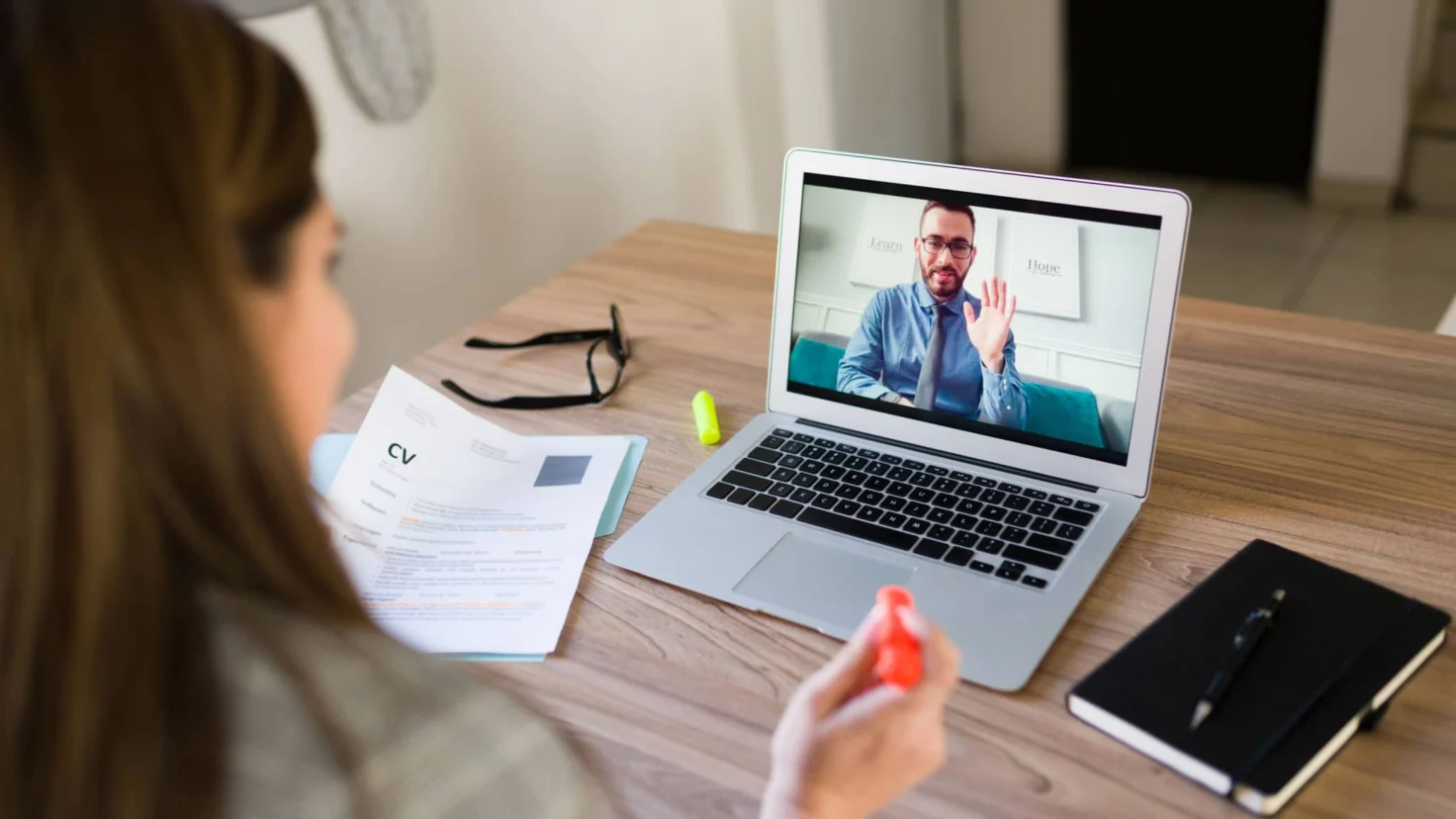

Meeting a recruiter via video conference is no longer the exception. Quick to organize, economical, and avoiding travel, video conferencing is now becoming a key step in the recruitment process .
But be aware, this format requires different preparation than a face-to-face job interview . Setting, lighting, connection, body language… These are all details to consider to maximize your chances of success during this remote meeting.
On this page, we offer practical advice to help you approach your screen with the same confidence you’d feel walking into an office. So, ready to transform your living room into an interview room? Follow the guide.
10 tips for preparing for a video interview
Thorough preparation is essential to ace this exercise. Here are 10 tips to turn this virtual meeting into a decisive professional opportunity.
1. Find out the appointment details 📅
You’ve landed a video interview? Congratulations! You probably already know the time and date you need to log in, but it’s important to know several other details :
- How long will the interview last?
- What video conferencing tool is being used?
- Do you have a link to access the meeting?
- Do you have the right contact person in case of unforeseen events?
- Will there be other participants in this interview?
💡 Tip
If you have any doubts, don’t hesitate to email the recruiter a few days in advance to make sure you know what to expect. Having an idea of how the interview will unfold will help you prepare better and feel more relaxed.
2. Test your equipment in advance 💻
A video conference relies on three pillars: image, sound, and software . Take the time to test each of them before the interview.
Download and open the application (Teams, Zoom, Meet, etc.) and start a practice call with a friend or family member to make all the necessary adjustments. Adjust the camera resolution, speak into your microphone, make sure you are in the frame, and test screen sharing.
Don’t forget to plug your computer into the mains , because a failing battery in the middle of an exchange can ruin your preparation efforts.
3. Stabilize your internet connection 🛜
A choppy conversation can give an impression of disorganization. If possible, connect via Ethernet cable to avoid interruptions.
If you rely on Wi-Fi, move physically closer to the router and disconnect unnecessary devices (tablets, smart TVs) to allow for greater bandwidth. Have a backup plan , such as tethering via 4G or 5G using your smartphone.
4. Choose a quiet place with good lighting💡
Before starting your video conference job interview, position yourself facing a soft light source , ideally a side window or a diffused lamp positioned behind the screen.
Choose a neutral background , such as a light-colored wall or a tidy shelf. Remove any distracting items and focus on 2-3 simple pieces that reflect your personality (a book, a plant, an award). This way, you’ll capture everyone’s attention!
It is advisable to frame yourself in a chest-level shot . Your hands should be able to enter the frame to accompany your words.
5. Adopt a professional posture🪑
Body language remains perceptible through the screen and influences the recruiter’s impression of you. Sit in a stable chair with your feet flat, back straight, and shoulders relaxed .
Position the webcam at eye level so your gaze is naturally directed towards the lens, strengthening eye contact. Avoid swaying or tapping your foot, as these movements can be distracting.
Finally, take a deep breath before answering , and lean back slightly to appear grounded and confident. This technique will help you give your words the same weight as in a face-to-face interview and maintain your composure.
6. Dress as if you were going to an in-person interview 👔
Your attire for a video interview influences your state of mind. Maintain the same level of formality as you would in person and dress fully, not just your top. A sudden need to get up could reveal unflattering pajama bottoms.
Opt for solid colors and consider the contrast with your background . A polished appearance sends a clear message that you’re taking this interview seriously, even from your living room.
7. Practice answering frequently asked questions❓
Select 10-15 of the most likely questions and prepare structured answers. Vary your wording to avoid sounding like you’re reciting.
- Can you introduce yourself and summarize your career path?
- What motivated you to apply for this position?
- How does this position fit into your career plan?
- How do your previous experiences prepare you for this role?
- Describe a difficulty you encountered and how you overcame it.
- How do you organize your days when you work remotely ?
- Tell us about a project you are proud of and the result achieved.
- How do you manage priorities between multiple simultaneous tasks?
- How do you maintain your motivation and productivity while working remotely?
- Where do you see yourself in three to five years?
In parallel, prepare 2-3 relevant questions to ask the recruiter. These demonstrate your curiosity, your commitment, and your desire to join the company.
8. Do a dress rehearsal 🗣️
Prepare for your video interview by doing a filmed simulation . Watch yourself immediately after this exercise to assess the volume and tone of your voice, the clarity of your articulation, and the speed of your speech.
Insert short breaths and eliminate distracting gestures. Repeat the process until you can express your arguments without needing cheat sheets. You can keep a few discreet keywords off-camera to maintain focus.
And of course, remember to smile , because this simple expression releases tension and conveys your confidence through the screen.
9. Keep essential documents within easy reach 📄
On your computer, close any unnecessary tabs and pin relevant files to the taskbar. Enable full-screen mode to reduce the temptation to click elsewhere.
10. Have a plan B 🛠️
Technical problems are possible . Write down the recruiter’s phone number and email address. Fully charge your smartphone and install the mobile version of the video conferencing app.
In the event of a widespread internet outage, activate mobile hotspot and communicate immediately . Transparency transforms a potential incident into a demonstration of composure.
How to prepare for a pre-recorded video interview
The unique feature of video interviews is that they can take place asynchronously.
In this case, the candidate logs onto an online platform, is presented with predefined questions, and records their answers in front of a webcam within a limited time. The recruiter then views these videos at their convenience.
To prepare yourself properly, follow these tips :
- Analyze the brief (allowed duration, number of takes, expected formats, etc.).
- Write a plan to structure your answers to each potential question.
- Test the platform before starting video recording.
- Practice in real-life conditions to appear natural.
- Start with a draft version if you have several attempts.
- Answer briefly and get to the point.